
Have you ever finished mixing a track in your studio, only to find that it sounds completely different through your headphones, car speakers, or phone? The vocals may sound clear on headphones but disappear on speakers. The bass might feel powerful in the studio but almost vanish on a phone. This is a common challenge in music production known as mix translation. It refers to how consistently a mix sounds across different playback systems. The goal is not to make your track sound identical everywhere. It is to ensure that its essential elements remain clear, balanced, and enjoyable, regardless of where someone listens.
What Is Mix Translation?
Mix translation is the ability of a music mix to maintain its tonal balance, clarity, and overall impact across different playback devices.
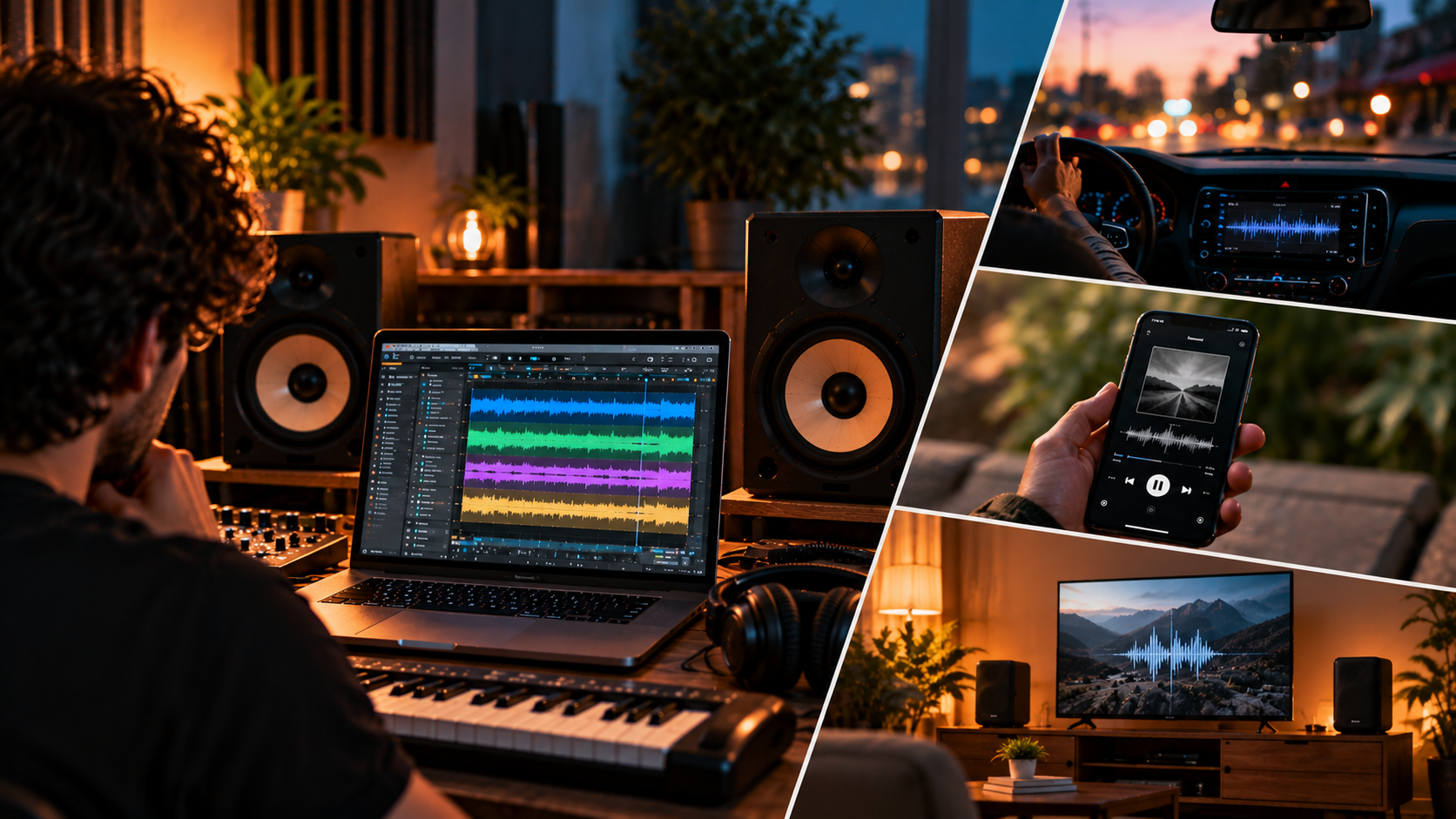
Every playback system reproduces sound differently. Studio monitors, headphones, car speakers, and mobile phones have different frequency responses, speaker sizes, and listening conditions. For example, headphones that emphasise bass may make your mix sound fuller than it actually is. When played through a phone speaker, the same track may lose its low-end impact because small speakers cannot reproduce deep bass effectively. A well-translated mix accounts for these limitations while preserving the intended listening experience.
Why Does Your Mix Sound Different on Different Devices?
1. Every Device Has a Different Frequency Response
Frequency response determines how strongly a playback system reproduces different frequencies, from deep bass to high treble.
Some headphones emphasise bass, while others make high frequencies sound brighter. Studio monitors are generally designed for accurate reproduction, but their performance also depends on the room. Phone speakers have limited low-frequency output, which can make bass-heavy tracks sound thin. Understanding these differences helps producers avoid making mixing decisions based on just one device.
2. Your Listening Environment Affects Sound
The room where you mix can influence what you hear. Sound reflections from walls, ceilings, and furniture can create frequency imbalances, making certain sounds seem louder or quieter than they really are. Bass frequencies are particularly difficult to judge in untreated rooms. Depending on your listening position, the low end may sound excessive in one spot and weak in another. Headphones reduce the influence of room acoustics, but they create a different stereo experience from speakers. Understanding your monitoring environment helps you distinguish actual mixing problems from issues caused by your setup.
3. Poor Frequency Balance Reduces Clarity
An unbalanced mix may sound impressive on one system but muddy or harsh on another. For example, if the kick drum and bass guitar compete for the same frequencies, the low end can become unclear. Similarly, guitars, keyboards, and vocals competing in the midrange can make the vocals difficult to hear on smaller speakers. Increasing an instrument's volume is not always the solution. Sometimes, adjusting competing elements with EQ, volume automation, or arrangement changes creates better separation. The objective is to give every important element enough space to remain audible without making the entire mix louder.
How to Check Whether Your Mix Translates Well
1. Use Reliable Studio Monitoring
Your primary monitoring system should help you make consistent decisions. This could be studio headphones, studio monitors, or both. You do not necessarily need expensive equipment. What matters is understanding how your system reproduces sound and recognising its limitations. Listen to familiar, professionally mixed tracks through the same setup. Pay attention to vocal levels, bass response, stereo width, and overall clarity. This helps establish a reliable reference for your own mixes.
2. Compare Your Mix With Reference Tracks
Reference tracks are professionally produced songs that help you evaluate your mix against an established standard. Choose songs similar to yours in genre and arrangement. Compare the vocal balance, low end, high frequencies, and overall sound. Keep playback volumes reasonably matched because louder music can seem more impressive even when the mix is not better. Reference tracks are not meant to be copied exactly. They help you identify imbalances and make more informed mixing decisions.
3. Test Your Mix on Different Devices
Once your mix sounds balanced in your main setup, try listening through everyday earphones, a phone speaker, car audio, or home speakers.
Focus on a few important questions:
- Can you still understand the vocals?
- Is the kick drum audible?
- Does the bass sound controlled?
- Are the high frequencies too harsh?
- Does the overall mix remain balanced?
Do not immediately change your mix every time it sounds different. First, determine whether the problem comes from the playback device or reveals an actual weakness in the mix.
4. Check Your Mix in Mono
Stereo mixing creates width by distributing sounds between the left and right channels. However, some playback systems combine these channels into mono. When this happens, certain sounds may become quieter or lose clarity because of phase relationships between the channels. Checking your mix in mono helps identify these issues before release. Pay particular attention to vocals, bass, drums, and other central elements. Your mix does not need to sound as wide in mono, but its essential musical elements should remain audible.
5. Make Small, Focused Adjustments
After testing your mix, return to your primary monitoring setup and address the problems you identified. If vocals disappear on smaller speakers, examine their level and the instruments competing in the midrange. If the bass sounds excessive, check its relationship with the kick drum. If the mix feels harsh, investigate the upper midrange and treble. Make one adjustment at a time, then listen again. This helps you understand whether the change has improved the mix without introducing new problems.
Common Mistakes That Affect Mix Translation
One common mistake is relying entirely on a single pair of headphones or speakers. Every monitoring system has limitations, and becoming too familiar with one setup can make its weaknesses harder to recognise. Another mistake is using excessive EQ to solve arrangement problems. When two instruments compete for the same frequency range, changing their parts or arrangement may be more effective than applying several EQ cuts. Over-compression can also reduce the natural dynamics and impact of a track, making it sound flat or less engaging. Finally, constantly changing your mix to suit individual devices can lead to inconsistent results. The goal is not to create a separate mix for every playback system. It is to achieve a balanced result that works across different listening conditions.
How to Improve Your Mix Translation Skills
Improving mix translation requires practice, reliable monitoring, and careful listening. Start by learning the characteristics of your headphones or studio monitors. Use reference tracks to understand how balanced music sounds through your setup. Develop a routine that includes testing different devices, listening at lower volumes, and checking mono compatibility. Take note of recurring problems, such as excessive bass or vocals that sit too far back. Over time, you will recognise these patterns and learn to correct them earlier in the mixing process.
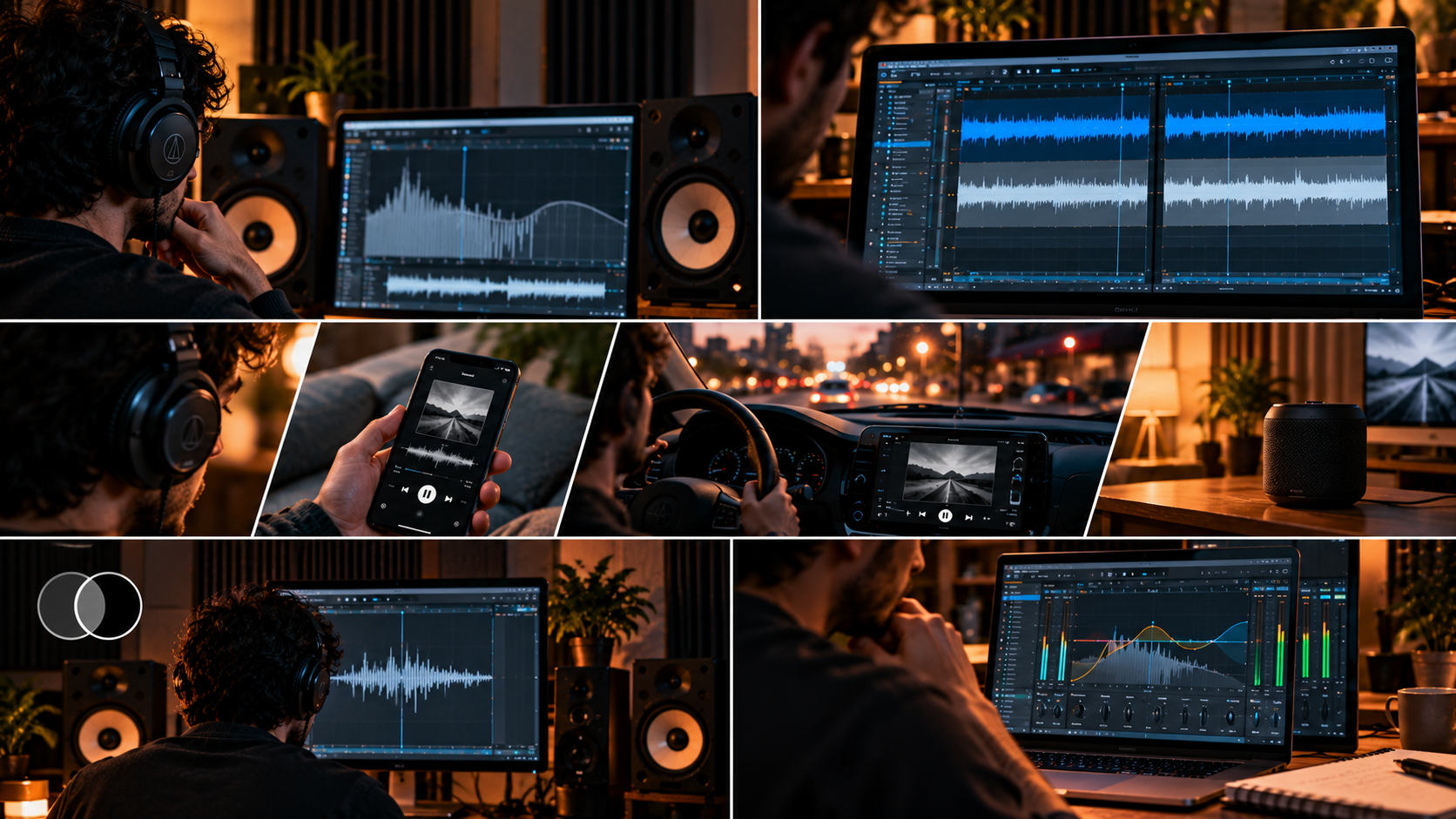
A mix that sounds good in the studio will not automatically sound balanced on every playback system. Differences in frequency response, room acoustics, and speaker size can all affect how listeners experience your music. The key to better mix translation is to use reliable monitoring, compare reference tracks, test different devices, and make focused adjustments. Ultimately, successful mixing is not about making a track sound perfect on one system. It is about ensuring that the music retains its clarity, balance, and impact wherever it is heard.